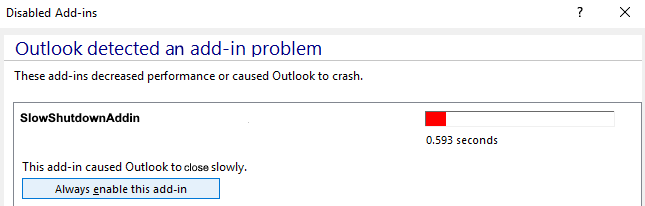
A few weeks ago, I encountered an issue where some devices were deactivating the Teams add-in in Outlook without any apparent reason. This seemed quite odd, but according to Microsoft, this is a known issue.
To permanently resolve this issue, you need to add specific entries to the current user's Registry.
Below are the steps to run the remediation script
- Create a Remediation Script
- Upload the Detection.ps1 and Remediation.ps1 scripts
- Set "Run this script using the logged-on credentials" to "Yes"
- Assign the remediation script to all the users
You can find the necessary scripts and further instructions in my the GitHub repository.

Further Details:
Comments
Post a Comment